How to make a digital wedding invitation card in 4 steps
Four simple steps: register, pick a design, customise, and go live. An EkadInvite digital wedding invitation card is ready to share on WhatsApp in under 10 minutes, one-time from RM29.
EkadInvite is a digital invitation card for celebrations in Malaysia. You register, pick a design, fill in the names, date and venue, then publish the card as a single link you send on WhatsApp. Payment is one-time: RM29 for Gold or RM69 for Diamond, with no subscription. Guests open the link straight in their phone browser and RSVP from inside the card, with no app to install.
01 Register & Pay Once
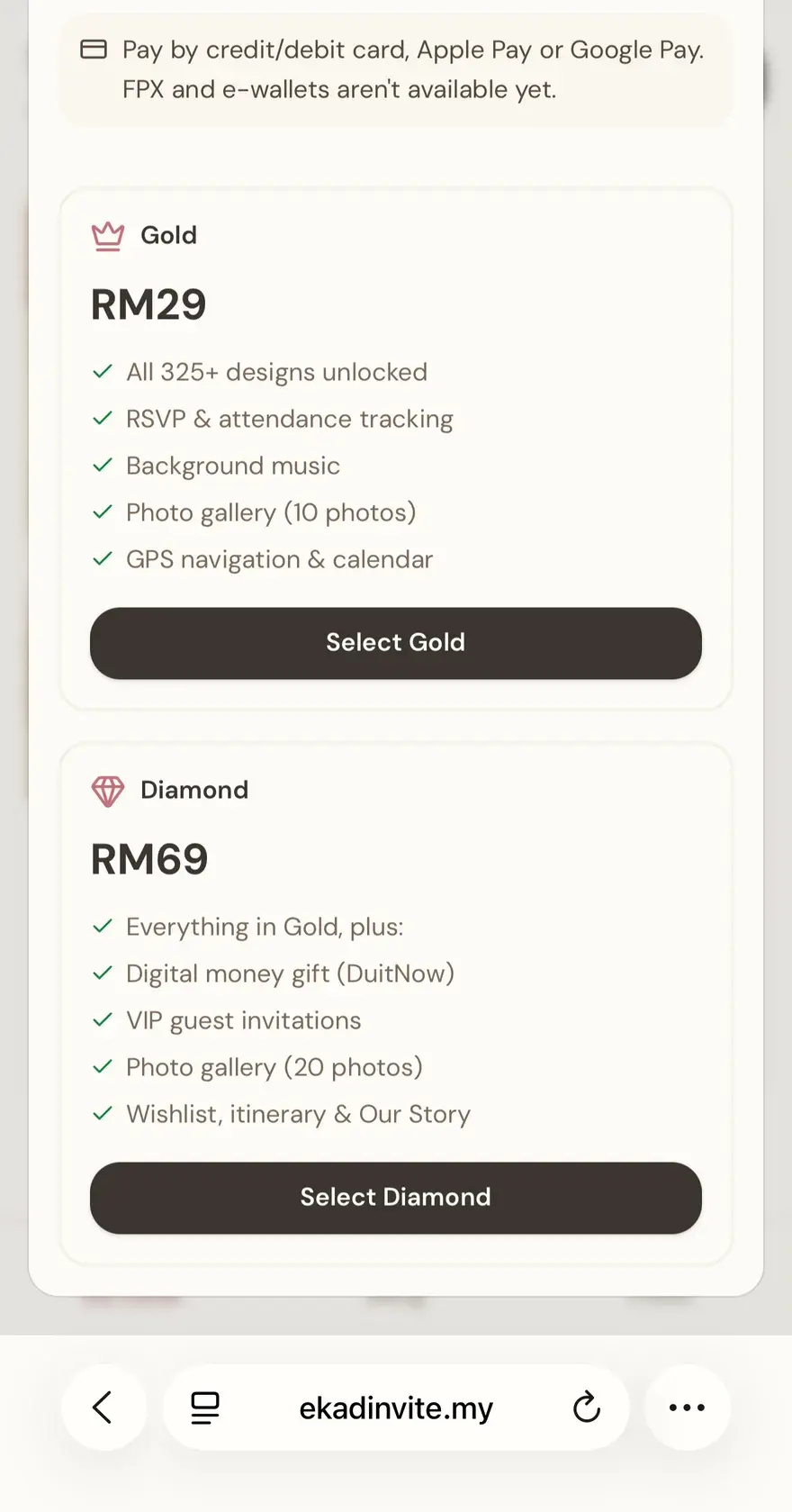
Sign up and pick your plan - Gold (RM29) or Diamond (RM69). Pay once by online banking, DuitNow or card and your card stays live forever.
Payment happens before the editor opens, so choose your plan first. Gold and Diamond decide which designs are open to you and which card sections you can switch on. There is no free plan here, and no renewal fee after that first payment.
- One-time payment: Gold RM29 or Diamond RM69
- FPX, DuitNow, Visa/Mastercard & e-wallets
- No subscriptions, no monthly fees
02 Pick Your Design
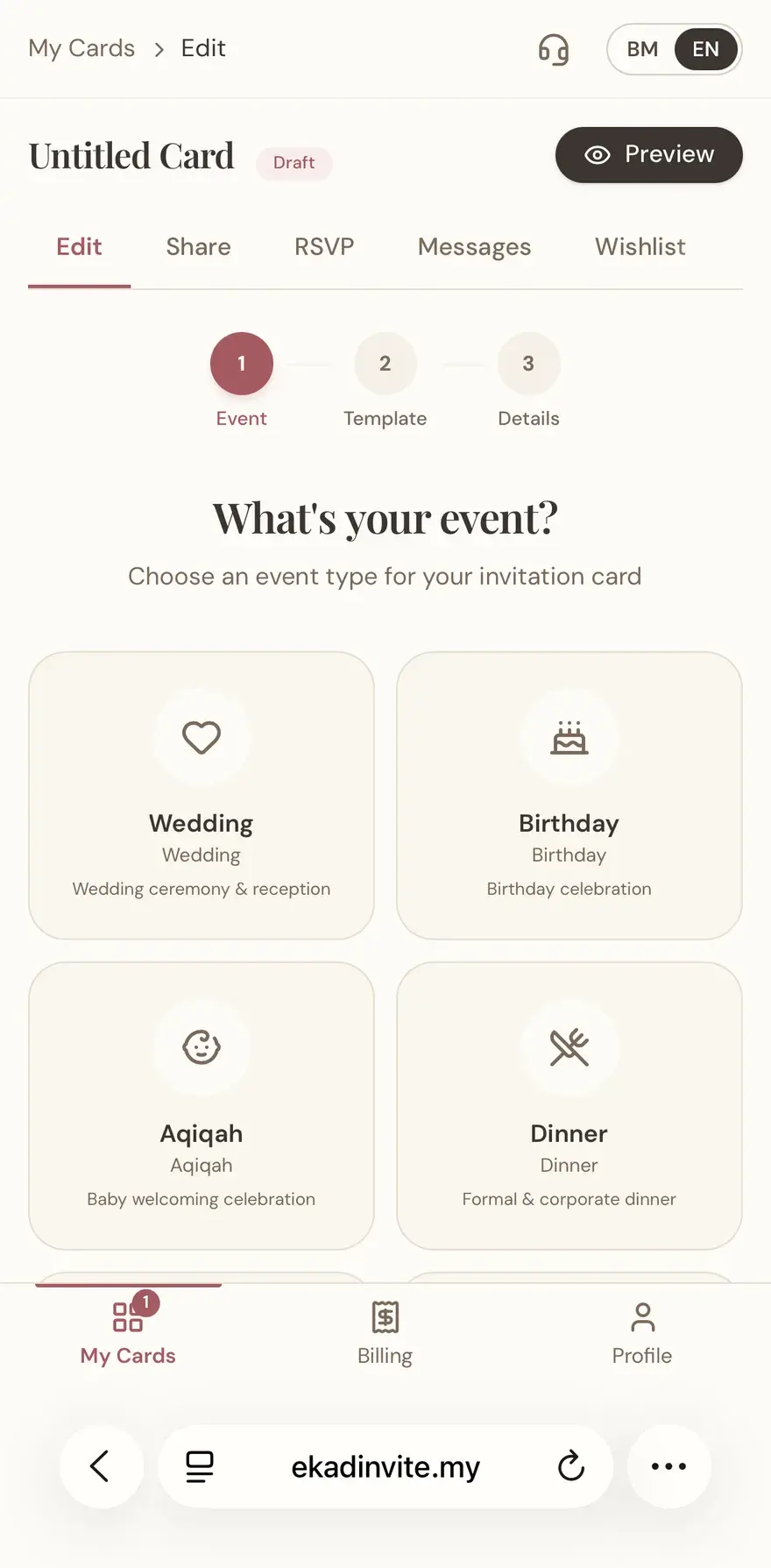
Choose your event type: Wedding, Birthday, Aqiqah, Dinner, and more. Then browse 325+ designs across 13 categories and pick the one you love.
Pick the event type first, because each event type opens a different set of card sections. If you change your mind later, the design can be swapped inside the editor without losing the names, dates or settings you already filled in, as long as the new design is available on your plan.
- 325+ designs to choose from
- 13 design categories for every event
- Designs filtered to your plan (Gold / Diamond)
03 Customise & Publish
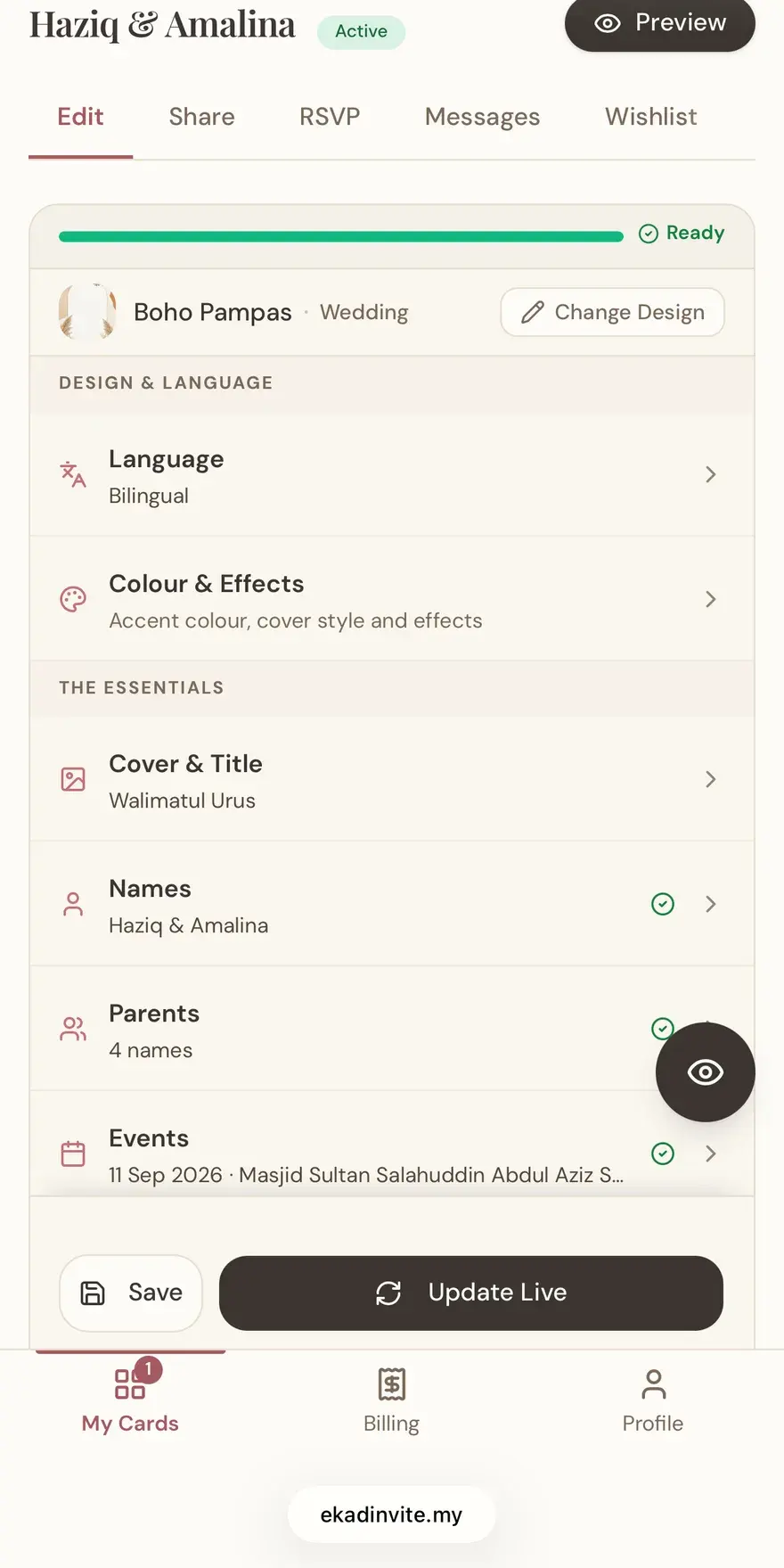
Fill in names, date, and venue, upload photos, and pick a track - all in under 10 minutes with a live phone preview. Tap Publish and your card goes live instantly.
The preview you open in the editor is the real card, loaded from the card's own link, so what you see there is what guests see. One thing to settle before you tap Publish: the card's link address is locked at that moment and cannot be changed afterwards. Everything else stays editable.
- Real-time live preview as you type
- Add photos, background music and more
- Ready in under 10 minutes; publish anytime
04 Share via WhatsApp
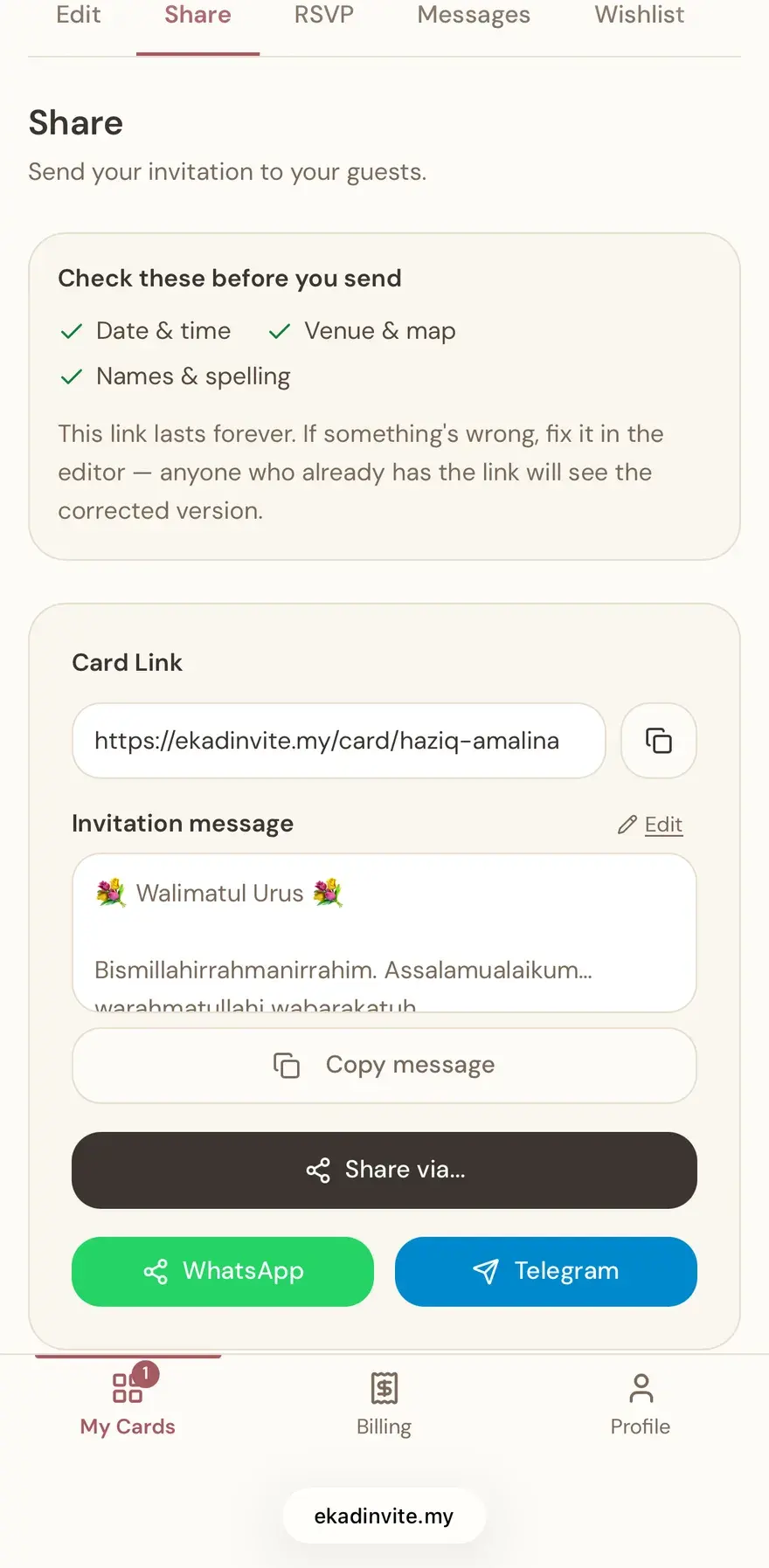
Copy your card's unique link (e.g. ekadinvite.my/card/your-name) and send it to guests on WhatsApp. They RSVP, sign the guestbook, and find the venue - all inside the card, no app needed.
One link is enough for a whole household, the same way one printed card goes to one family. The downloadable QR code is useful for a table card or a sign at the venue. If a detail changes after the card is published, update it in the editor and guests opening the same link see the newest version.
- Unique shareable link and downloadable QR code
- Guests RSVP directly from the card, no app
- Track every response in your dashboard
Common questions about the process
How long does one card actually take?
It depends on how much you want to fill in. The quick setup form asks only for the names, the date and the venue, and after that the card is ready to publish. Photos, background music, the guestbook, the run sheet and the countdown are all optional, and can be added after the card is published. You do not have to wait for every detail to be final before you start.
What happens right after I pay?
Your card opens straight away. The payment status page sends you to the editor as soon as the order flips to paid, and the card is listed in your dashboard from that moment. It starts as a draft, so nobody but you can see it until you tap Publish.
Can I change the card after guests already have it?
Yes. Names, dates, venue, photos, music and card sections all stay editable after publishing, and guests opening the same link see the newest version. The one thing locked at publish time is the link address itself, so a link already circulating on WhatsApp never goes dead.
Do guests need to install an app?
No. The card is an ordinary web page. Guests tap the link in WhatsApp, the card opens in their phone browser, and they can RSVP, sign the guestbook and open the venue in maps without downloading anything and without creating an account.
How do RSVP replies reach me?
Every reply lands in your card's RSVP tab in the dashboard, with the name, the party size and any message left behind. The list downloads as a CSV file for use at the registration table. There is no scattered pile of WhatsApp messages for you to count by hand.
Related: Send your card on WhatsApp · When should you send wedding invitations? · Track your RSVPs · Guides